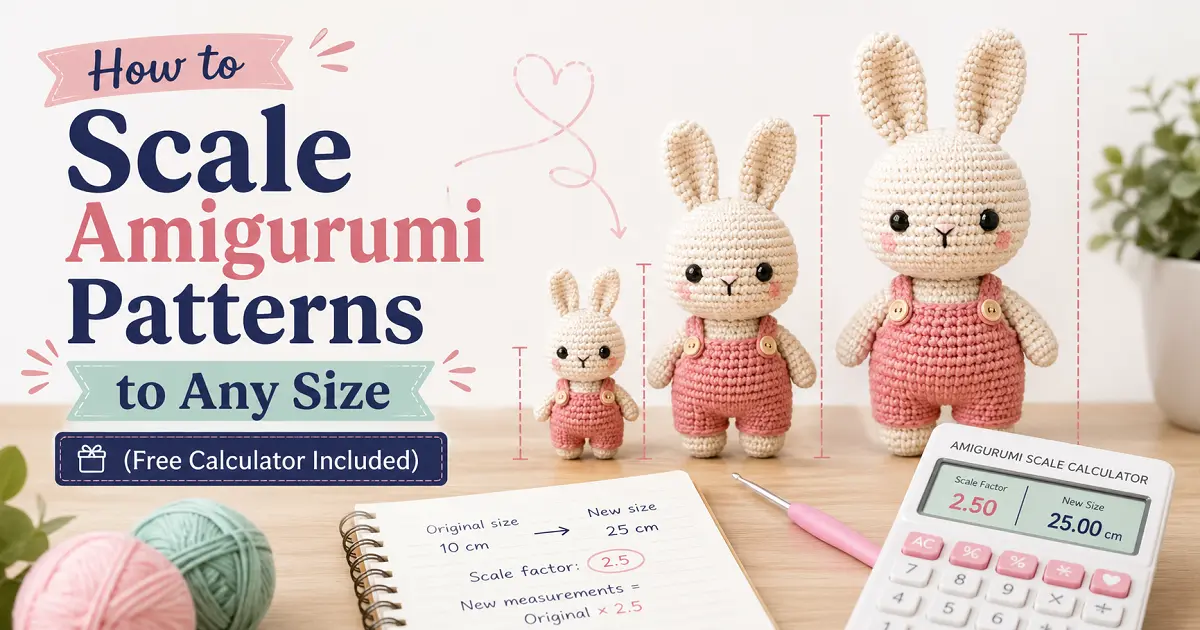
Found the perfect amigurumi pattern but need it bigger or smaller? Enter your gauge and stitch counts — this free tool recalculates every round for you instantly. No math, no guessing.
✅ Works with any pattern
🧶 All yarn weights
⚡ Instant results
💸 100% free
🐻 The Tool
⚡
Quick Start — Load a Common Gauge
Don’t have your pattern gauge handy? Try one of these common setups to explore:
📐
Gauge Settings
Pattern Gauge (from your pattern)
Your Gauge (from your swatch)
⚠️ Please enter stitches per 4″ for both the pattern gauge and your gauge.
🧮
Pattern Stitch Counts
Enter the stitch count for each round or row from your pattern. Label them anything — “Round 1”, “Head”, “Body”, etc. Add as many rows as you need.
Row / Round Label
Original Count
Scaled Count
✕
📏
Original Finished Size (optional)
Original
Pattern
→
Scaled
Yours
Scale Factor
—
—
🧮 Scaled Stitch Counts
Row / Round
Original
Scaled
Change
📐 Finished Size Comparison
💡 Tips for This Scaled Pattern
📖 How to Use This Tool
5 Simple Steps to Scale Any Amigurumi Pattern
New to gauge or just want a quick walkthrough? Follow these steps and you’ll have a fully scaled pattern in under 5 minutes.
1
Crochet a small gauge swatch
Chain 15–20 stitches and work 10 rows of single crochet using the yarn and hook you plan to use. Measure how many stitches and rows fit across 4 inches (10 cm) in the center of the swatch. This is your gauge.
💡 Measure from the center of the swatch — edge stitches are always slightly uneven and will throw off your count.
2
Find the pattern’s gauge
Look near the top of your pattern for a gauge note — usually something like “18 sc = 4 inches with 4.0 mm hook.” If your pattern doesn’t include a gauge, use one of the Quick Start presets above as your starting point.
3
Enter both gauges in the tool above
Type the pattern’s stitch and row count into the “Pattern Gauge” fields, and your own numbers into “Your Gauge.” You can also pick your hook sizes — the tool will tell you if you should go up or down a size.
4
Enter your stitch counts
Type the stitch count for each round from your pattern into the table. Label them anything you like — “Round 1,” “Head,” “Body Round 3.” Hit + Add Another Row to add as many as your pattern needs.
💡 You can use the Quick Start buttons to auto-fill a standard 9-round sphere pattern as a starting point.
5
Click “Scale My Pattern” and use your results
The tool instantly shows you the recalculated stitch count for every round, the overall scale factor, how big your finished piece will be, and tips specific to your size change. Write down or screenshot your scaled counts and you’re ready to crochet!
❓ Common Questions
Frequently Asked Questions
Quick answers to the most common amigurumi sizing questions.
No — unlike garments, amigurumi don’t need to match the designer’s exact gauge. What matters most is that your fabric is tight enough that stuffing won’t poke through. This tool tells you what your finished size will be at your gauge, so you can decide if you’re happy with it or want to adjust.
Round to the nearest multiple of 6. Most amigurumi sphere patterns increase by 6 stitches per round, so keeping your counts in multiples of 6 makes the increases work out cleanly. A difference of 1–2 stitches from the calculated number won’t noticeably affect your finished shape or size.
A rough estimate: multiply the original yardage by the square of your scale factor. For example, if your scale factor is 1.5×, expect to need about 1.5² = 2.25× as much yarn. Always buy one extra skein as a buffer — running out mid-project with a specific colorway is no fun!
Yes! Safety eyes should scale proportionally with your amigurumi. If the original pattern uses 10 mm eyes and your scale factor is 1.5×, look for 15 mm eyes. Eyes that are too small make your amigurumi look flat; too large and they look startled. When in doubt, hold a few different sizes up against your work in progress.
This trips up a lot of crocheters! If your gauge is tighter (more stitches per 4″), each individual stitch is physically smaller. To cover the same total area and reach the same finished size as the pattern, you need more of those smaller stitches. So yes — tighter gauge means more stitches per round to end up at the same size. The tool handles this math correctly.
Absolutely! For tiny amigurumi, use fingering weight yarn or crochet thread with a 1.5–2.0 mm hook. Enter your thread gauge into the “Your Gauge” field and the tool will scale the stitch counts down accordingly. Just be aware that very small hook sizes require slower, more deliberate crocheting — but the results are adorable!
Disclaimer:
This Amigurumi Pattern Scale Calculator is provided for informational and educational purposes only. While we strive for accuracy, the calculated results are estimates and may vary depending on yarn type, hook size, stitch tension, stuffing, and individual crochet style. Always make a test swatch or sample piece before starting your full project. Crochet Girl Pau is not responsible for sizing differences, pattern issues, or project outcomes resulting from the use of this tool.